
 Official media
Guides
Step-by-step walkthroughs for the Cozy Game Restoration demo: cleaning stubborn marks, placing cartridges on shelves, changing wallpaper, ending the day and sorting out the controls.
The guide category collects the practical walkthroughs for the current demo. Each one is written for players who are stuck right now: finding remaining grime with the UV torch, the node to click for wallpaper, saving and quitting, and the windowed toggle. Every guide states that it covers the demo only and will be updated when the full game releases on November 4, 2026.
Demo guides
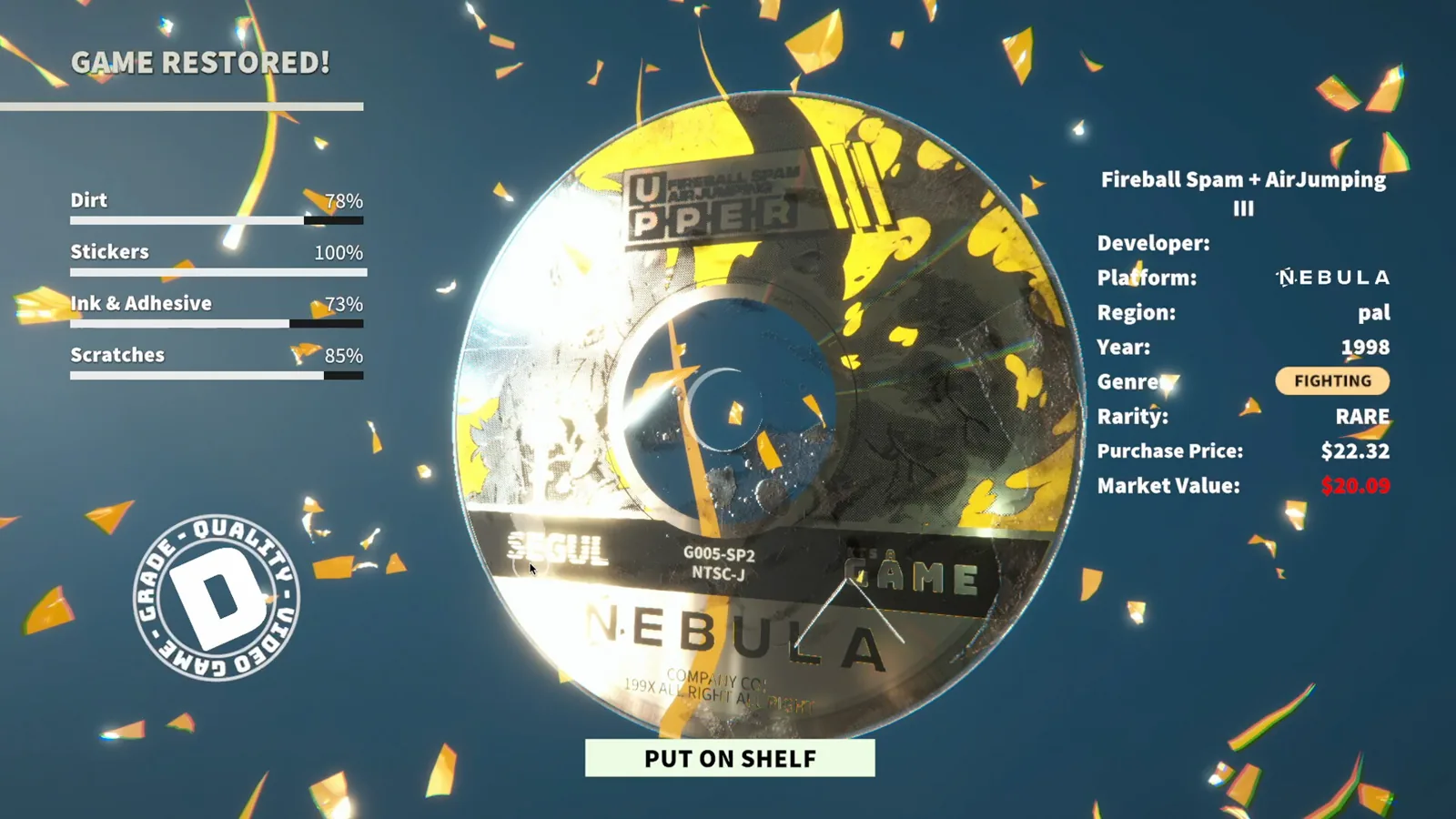
Controls: Demo Save and Window Fixes
Get the latest demo answers for cozy game restoration controls, including Tab toggle, save and quit, and windowed mode troubleshooting before the launch.
Read more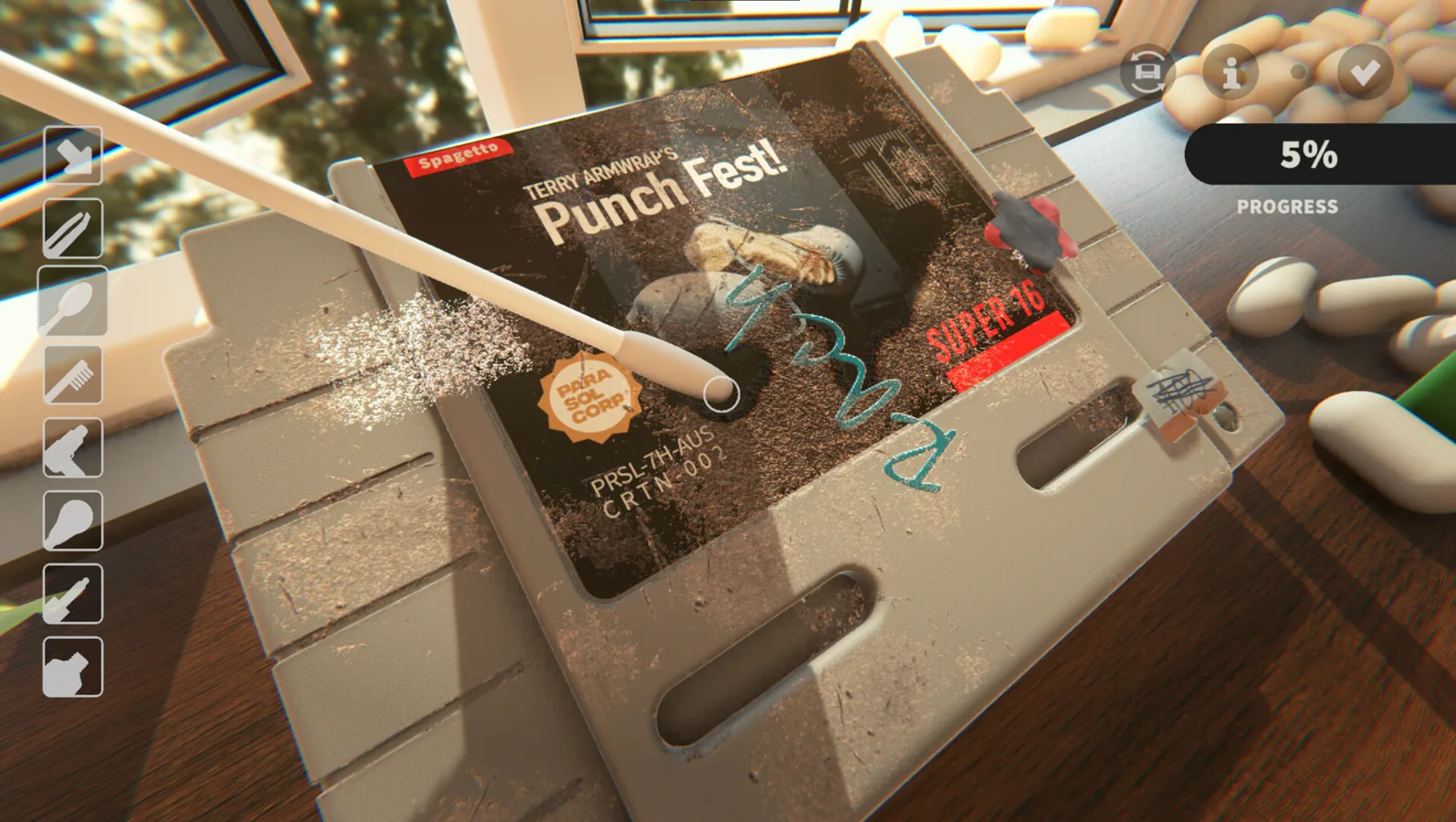
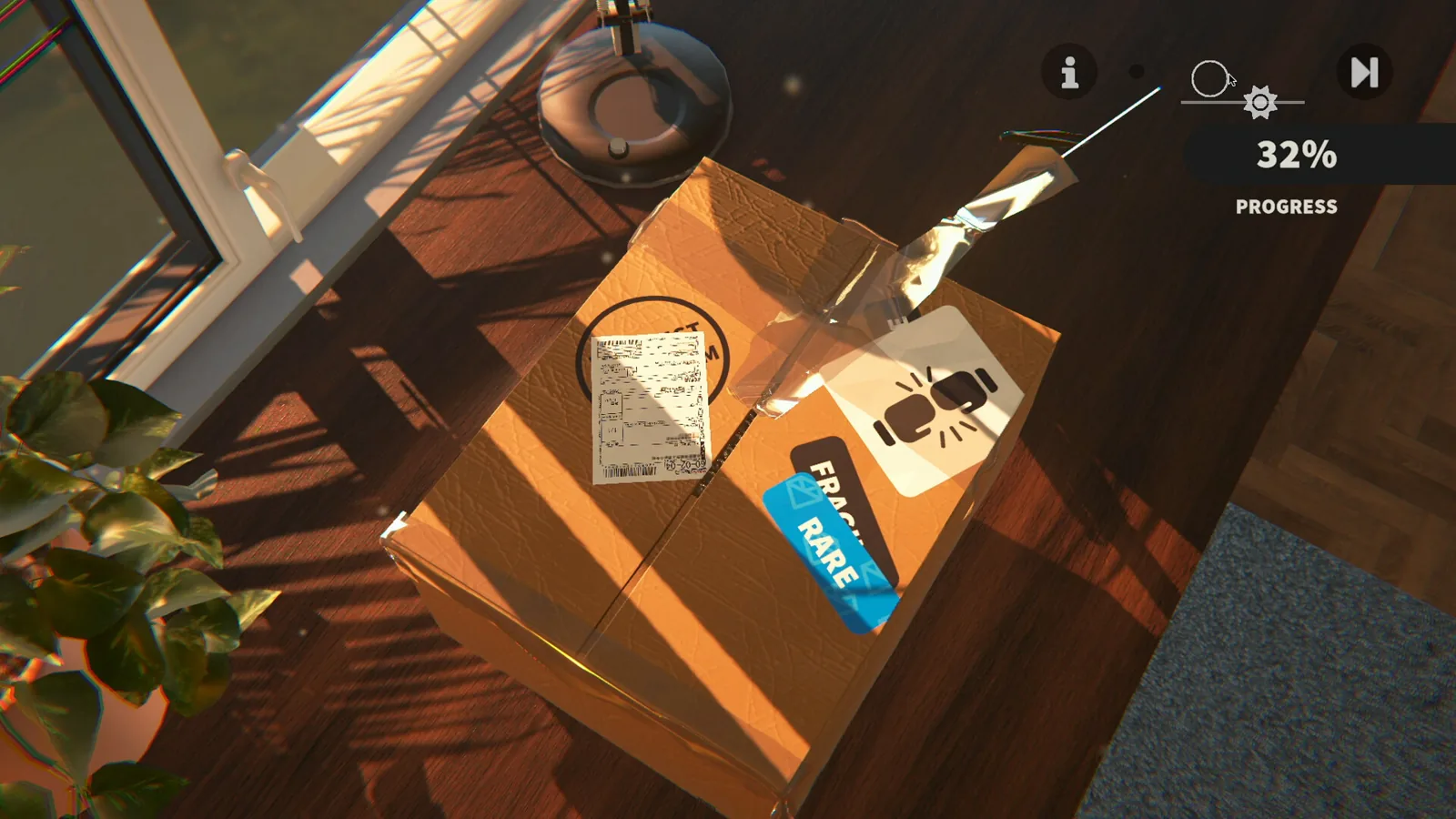
Guide: Cleaning, Shelving, Decor
This cozy game restoration guide walks through the demo after cleaning: shelf nodes for cartridges, the wall paint node for wallpaper, and ending the day.
Read more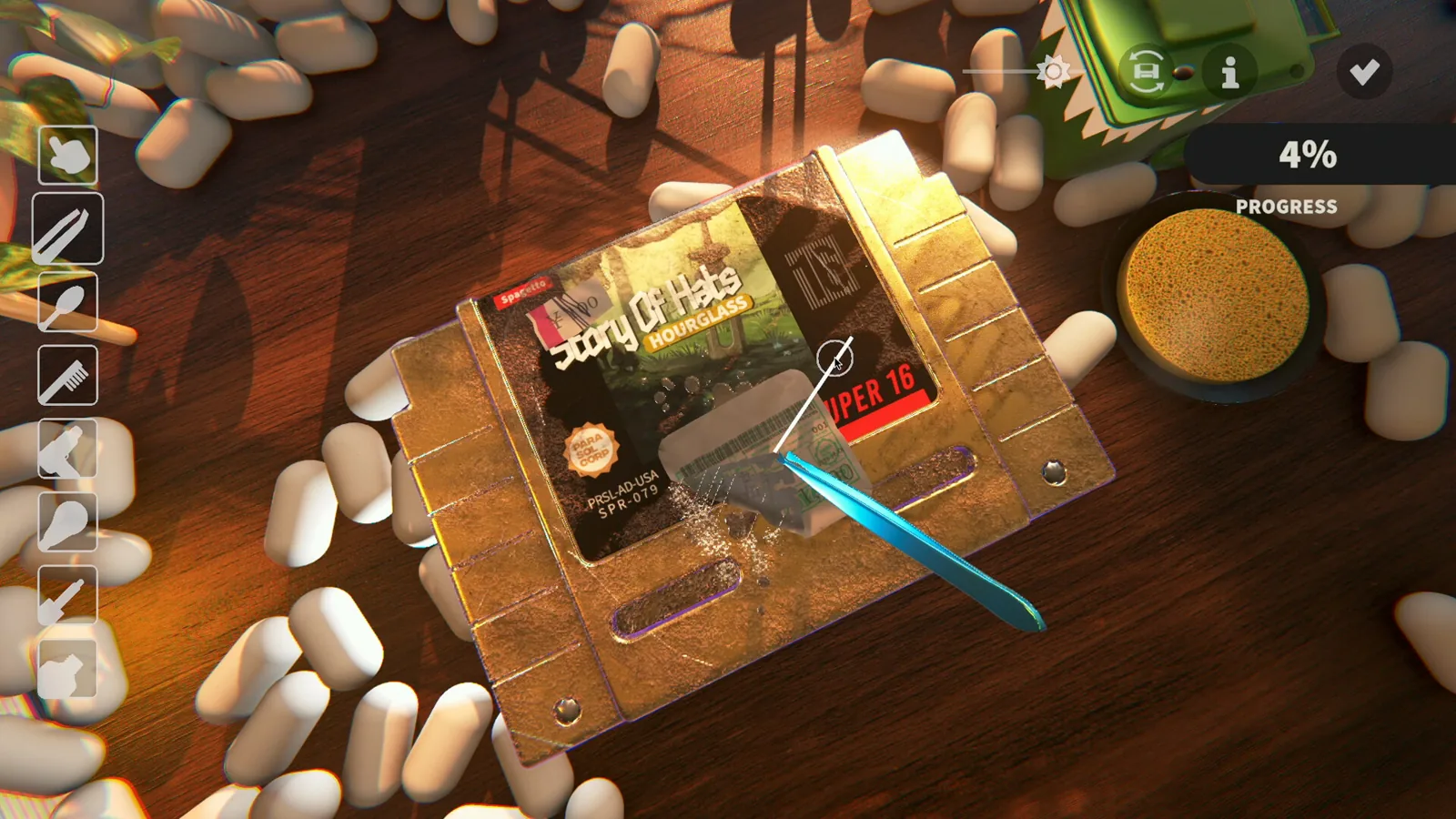
How to Clean Stubborn Demo Marks
Learn cozy game restoration how to clean residual scratches and ink in the demo, use the UV glowing trail, and check what may stall completion. Demo only.
Read more