
Cozy Game Restoration Wiki
Fan-Made Community Guide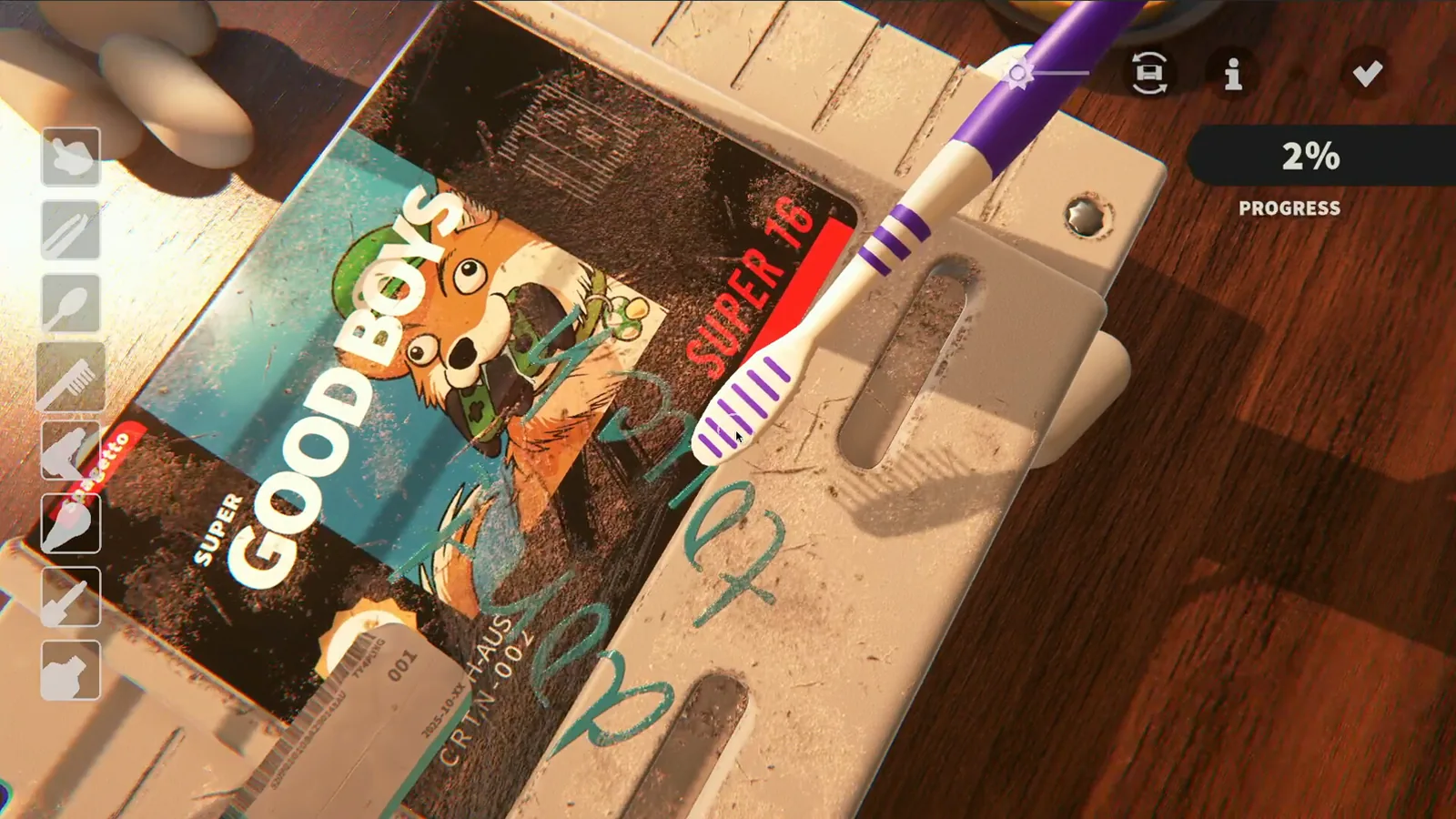 Official screenshot
Cozy Game Restoration is a soothing simulator where you gently bring forgotten video game cartridges back to life. The Steam demo runs three in-game days with seven games to clean, shelve and display. These guides cover the demo as it stands today, built from the official patch notes, the Steam store page and the developer's replies in Steam Community threads.
Latest Game Updates
Start Here
Your Cozy Game Restoration Journey
Popular Pages
Trending Now
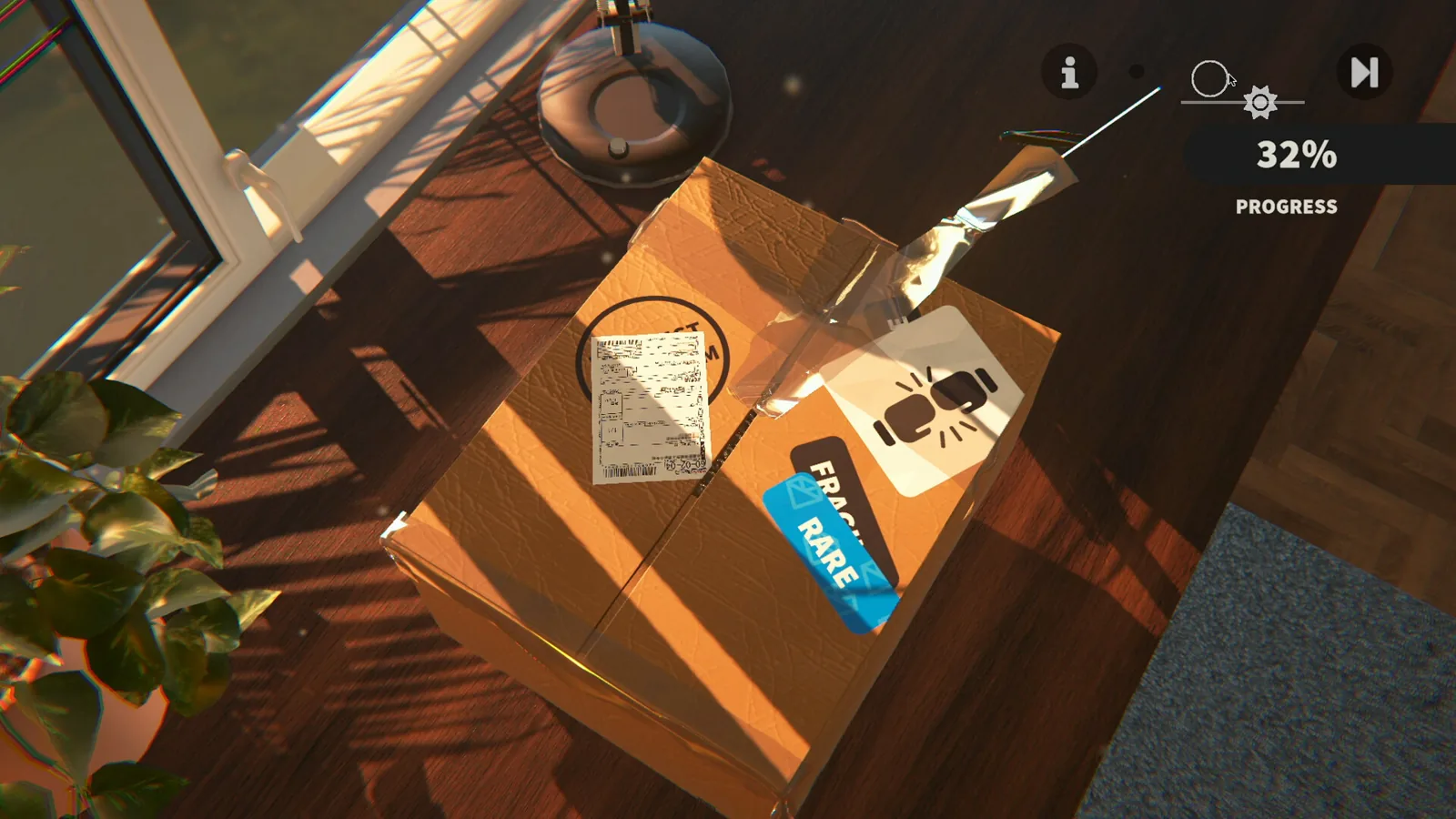 Controls: Demo Save and Window FixesGet the latest demo answers for cozy game restoration controls, including Tab toggle, save and quit, and windowed mode troubleshooting before the launch.
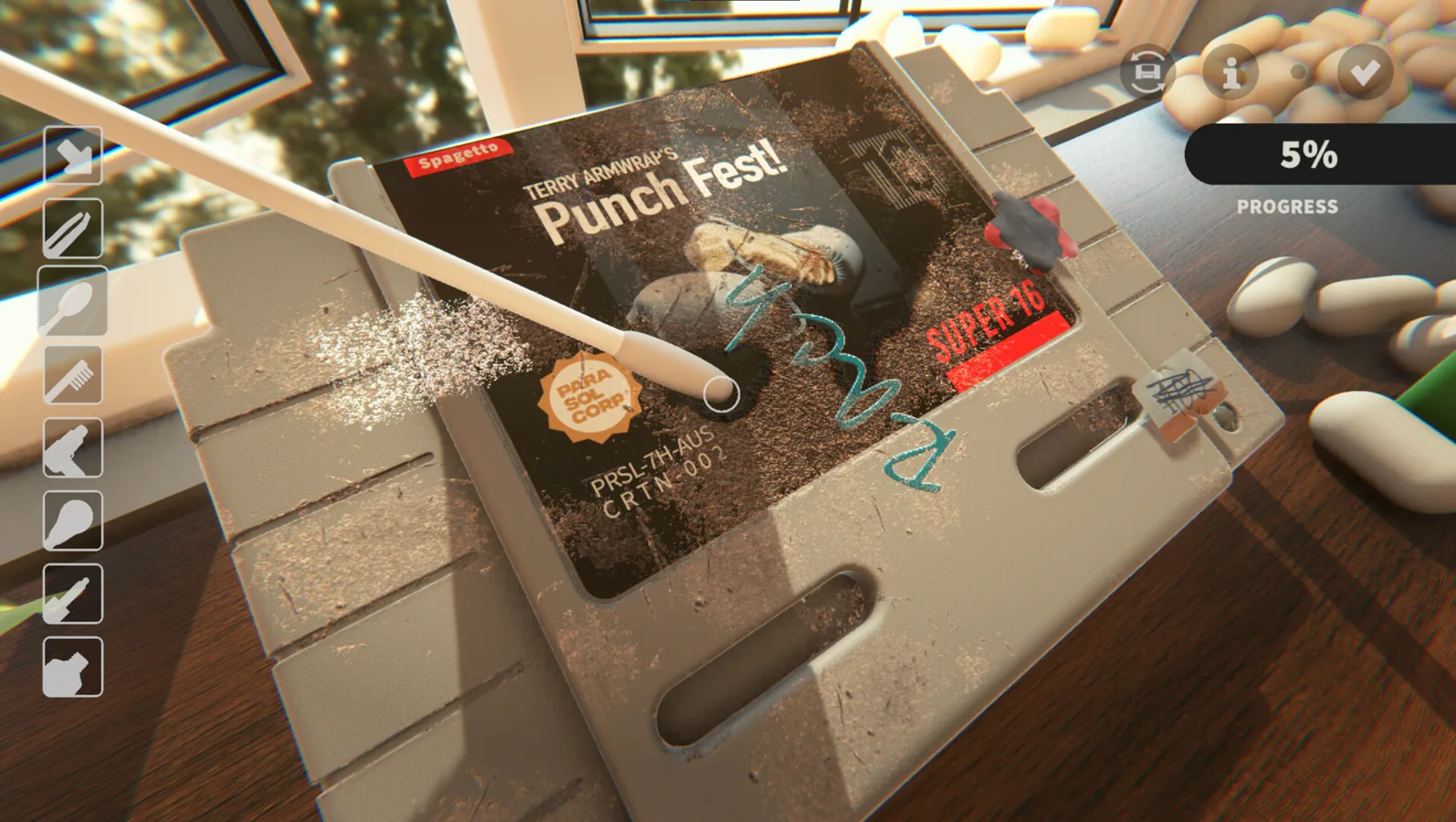 Guide: Cleaning, Shelving, DecorThis cozy game restoration guide walks through the demo after cleaning: shelf nodes for cartridges, the wall paint node for wallpaper, and ending the day.
What is Cozy Game Restoration?
Cozy Game Restoration is a soothing simulator where you gently bring forgotten video game cartridges back to life. The developer, Parasol Corp, layers the grime: dust, ink, discoloration, stickers and scratches each need a different tool. The Steam store page lists 108 distinct titles inspired by classics from the 1980s to early 2000s, each with randomized conditions and visuals, no timer and no fail state, planned for November 4, 2026.
Right now, the Steam demo is the playable part: three in-game days and seven games, live since October 1, 2026 on OSX, Windows, Steam Deck and Linux via Proton. This wiki documents the demo honestly: what is a content limit, what is a known bug such as the windowed mode toggle, and what the developer has said about the full game in patch notes and Steam Community threads.
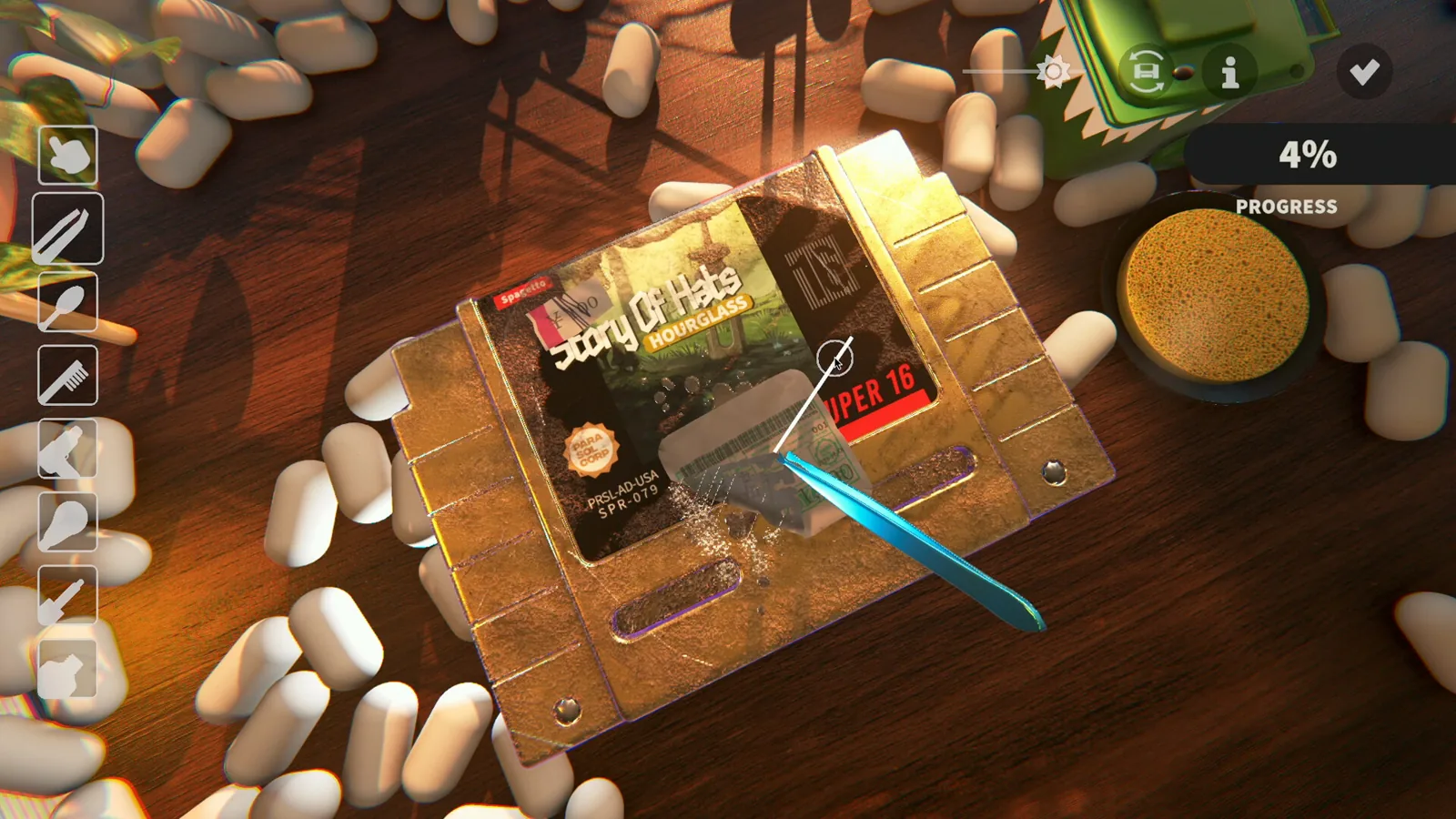
Developer
Parasol Corp (developer and publisher)
Release date
November 4, 2026 on Steam
Demo scope
3 in-game days, 7 games
Full game
108 titles, 5 rarity levels, 2 regional variants
Platforms (demo)
OSX, Windows, Steam Deck, Linux via Proton
Fail state
No timer and no fail state
Reference Library
Explore Cozy Game Restoration Guides
Six stops, in our recommended reading order: what the demo is, how the core loop works, how to clean stubborn marks, how the controls behave, then the guide and demo category pages.
What the demo actually is
Three in-game days and seven games: where the demo content ends, what the money trap was before Patch 4, and how the full game will differ.
Beginner guide: cleaning, shelving, decor
The walkthrough for after a cartridge is clean: click shelf nodes to place games, use the paint node for wallpaper, and click the door to end the day.
How to clean stubborn demo marks
Residual scratches and ink are hard to see. Sweep with the UV torch to find glowing patches, then match the tool to the grime layer.
Controls: Tab toggle, save, windowed
The current demo answers: Tab for continuous cleaning, the save and quit button in the options menu, and why the windowed mode toggle fails for some players.
All guide articles
The guide category collects the cleaning, shelving, decor and controls walkthroughs for the demo, each marked demo-only until the full game launches.
The demo category
The demo category tracks what the playable demo includes: limits, platforms, patch history and the differences planned for the full game.
Frequently Asked Questions
How long is the Cozy Game Restoration demo?
The developer states the demo is 3 in-game days with 7 games total, limited by limiting the available games and days. Reaching either limit is the content ending, not a bug.
What do I do after a cartridge is clean?
Go to the collection room and click the nodes on the shelf to see your games, then drag or select one to place it. Greyed out nodes are a bug to report in the Steam discussion thread.
Why will my clean percentage not reach 100?
Sweep the cartridge with the UV torch and check the glowing trail; the dirt and ink stats appear while UV is active. Also inspect CD scratches, which weigh more since the October 2 patch, and off-cart stickers on Silicon64 carts.
How do I clean without holding the button?
Enable the continuous clean toggle in the input options or press Tab on keyboard. Xbox controller players can use Square.
Is autocomplete active in the demo?
No. It was disabled after the October 2 patch summary called it overpowered, and the Patch 4 notes confirm it is still disabled.
What is different in the full game?
The developer confirmed infinite days and 108 games, each with 5 rarity levels and 2 regional variants. The Steam page lists the release date as November 4, 2026.
Try the demo before the November 4 launch
The Steam demo is the best way to understand these guides: three days, seven games and a collection room to decorate. Every article links the developer's patch notes and Steam Community threads.